An invitation that feels personal
Create an event invitation and share household links. Collect replies, meal choices, and personal requests.
Send a personal invitation, collect replies, and keep guests informed with text updates and a live timeline. Their table and event details are all in one place.
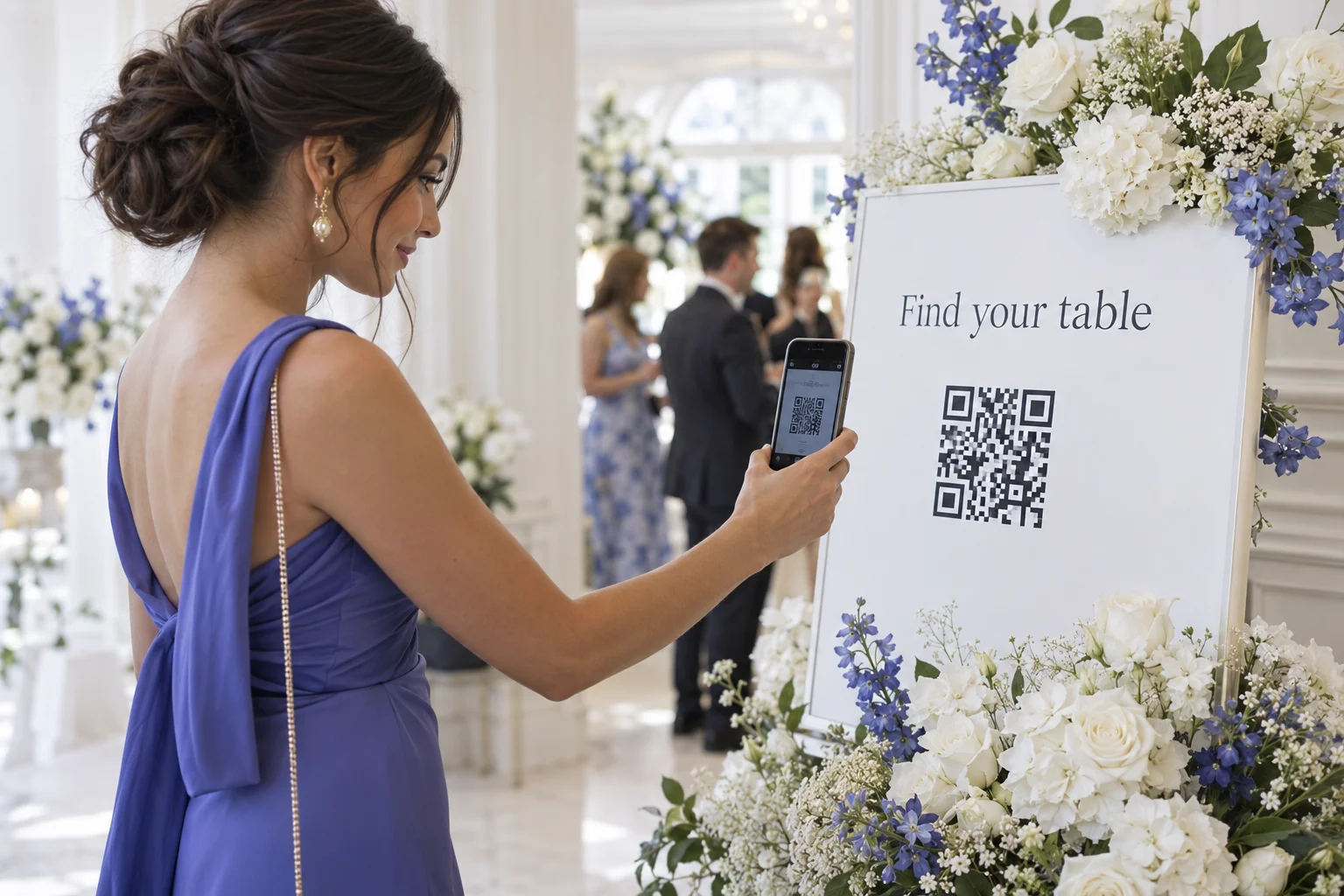
From the invitation to the table finder, bring the practical details together in a guest website they can open on their phone.
Create an event invitation and share household links. Collect replies, meal choices, and personal requests.
Guests scan the QR code or open the event link, search their name, and see their assigned table highlighted.
Publish the event timeline and update the current moment from your planner. Guests can check what is happening on the event page.
Decide whether to offer seat options and requests to sit near friends. Keep those options off when your seating is final.
Welcome guests before they arrive. Give them the details in one place, then keep them informed as your event unfolds.

Share a personal household invitation with the date, venue, and event details. Guests can RSVP, choose meals, and leave requests. Their replies stay connected to your guest list.
Let guests subscribe to event updates on their phone. When you start the next moment in your planner, subscribed guests can receive a text, such as “The ceremony is starting. Please take your seats.”
Text delivery requires a connected sending number. The message above is an example.
Prepare the schedule, then advance it as things happen. Your guest page shows the current moment and what comes next, from the welcome to the ceremony and reception. If plans change, update the timeline in your planner.
One place to organize the room.
One link to welcome everyone.